Years of history? Bring it with you.
Don’t start from zero. Import what you’ve already logged on Letterboxd, IMDb, Trakt, TV Time or Simkl and Cine AI picks up where you left off — with recommendations that already know your taste.

- Free to download
- Import from Letterboxd, IMDb & Trakt
- Ad-free with Premium
Letterboxd, IMDb, Trakt, TV Time and Simkl.
Cine AI reads the history you export from these services, matches each title and adds it to your profile — so years of ratings and watched lists come with you.
- Letterboxd
- IMDb
- Trakt
- TV Time
- Simkl
Letterboxd brings watched films, ratings and your watchlist; IMDb your ratings and watchlist for movies and TV; Trakt your history, ratings and watchlist (CSV); TV Time your episode-by-episode history; and Simkl your history and watchlist from a JSON backup.
Better picks from day one.
Imported titles count as watched, so they stay out of your recommendations, and your past ratings give the taste profile a head start. No more being recommended the four films you’ve already seen.

Then carry on where you left off.
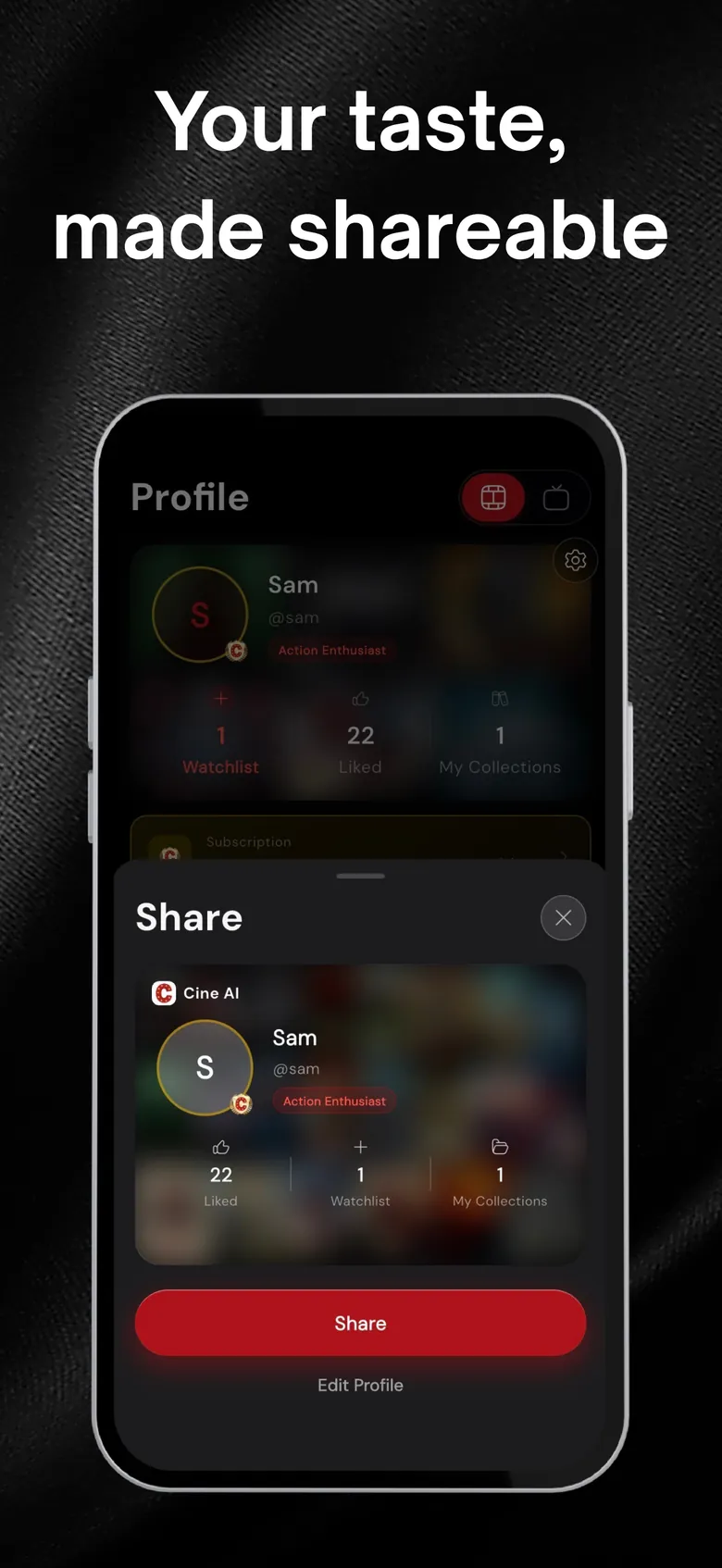
After the import, keep logging movies and episodes, build collections and share your profile — all in one app. See the tracker →
How importing works.
Get your data
Export your history from Letterboxd, IMDb, Trakt, TV Time or Simkl, or follow the in-app steps for your service.
Import in Cine AI
Choose the source in the app and follow its steps. Titles are matched automatically.
Enjoy smarter picks
Your profile, watched list and recommendations update right away.
Questions, answered
Which services can I import from?
Letterboxd, IMDb, Trakt, TV Time and Simkl.
Will my ratings come across?
Your watched titles and the ratings available in your export are imported and used to shape your taste profile.
Is importing free?
Importing is part of the free app. Premium is optional and adds unlimited AI recommendations, advanced filters and an ad-free experience.
What happens to the file I import?
It is used to add titles to your profile. See the Privacy Policy for how your data is handled and how to delete it.
More from Cine AI
Stop scrolling. Start watching.
Swipe a few titles tonight and let Cine AI find the next one you’ll actually finish.
Free to download · Optional Premium · Cancel anytime in your Apple ID settings