Track every film. Every episode.
Log what you’ve watched, follow your series episode by episode and keep every list in one place — and let that history make your recommendations better.

- Free to download
- Import from Letterboxd, IMDb & Trakt
- Ad-free with Premium
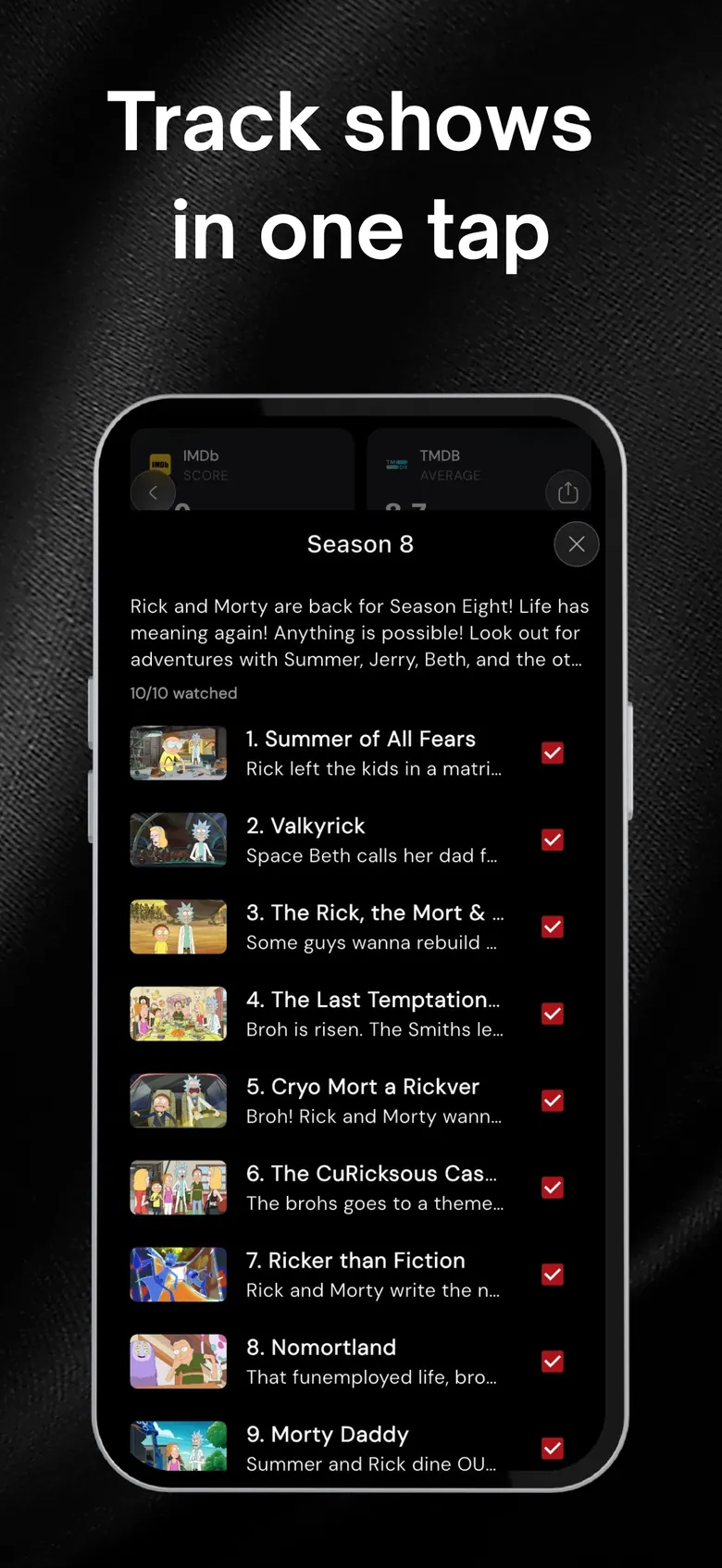
Always know which episode is next.
Mark single episodes, whole seasons or a complete show as watched in one tap. Your progress is saved, so picking a series back up after a break takes seconds.
- Mark episodes, seasons or entire shows as watched
- See where you left off in every series
- Sign in to sync progress across your devices
A watchlist that doesn’t turn into a junk drawer.
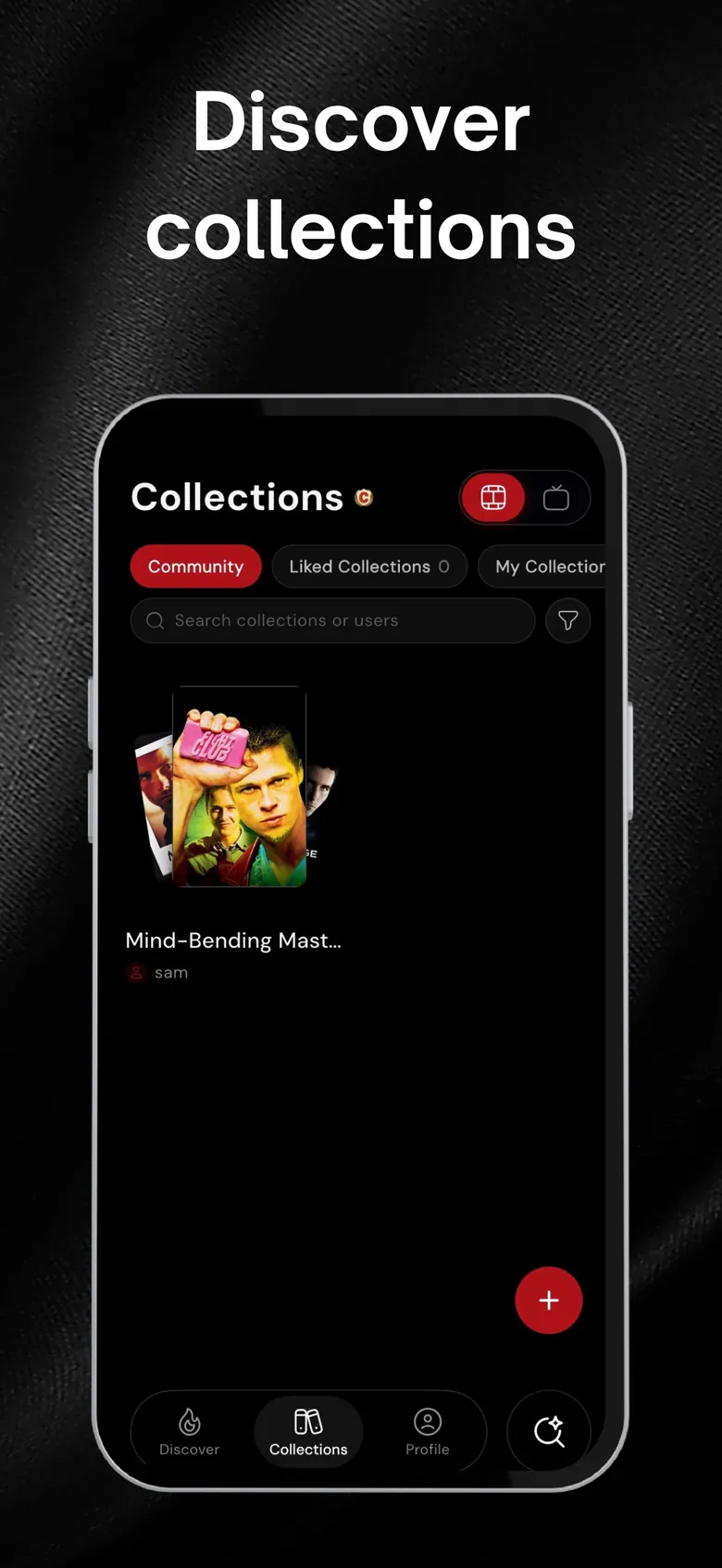
Save titles to your watchlist, then group them into public or private collections — “Sunday slow burn”, “Plane queue”, whatever fits — organized in folders and easy to share.
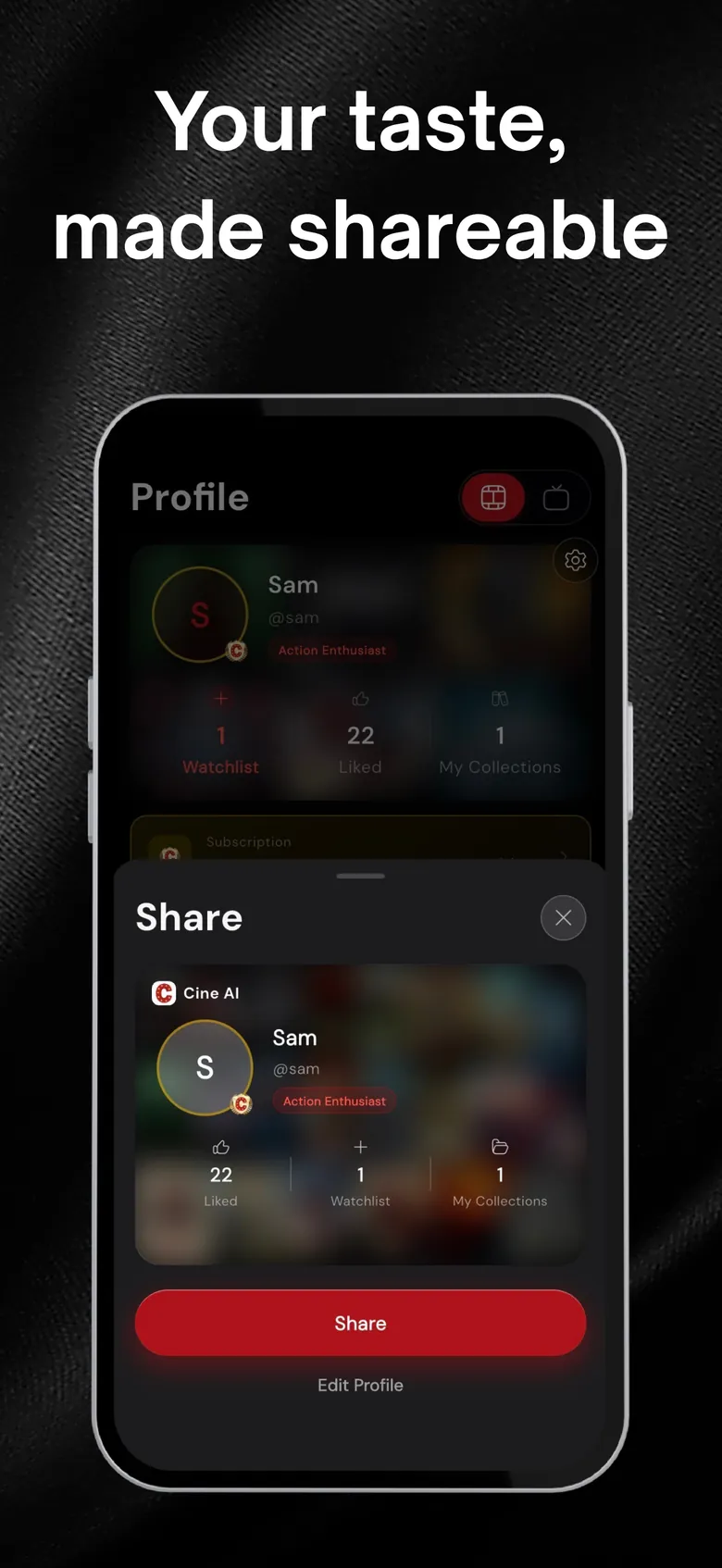
Show friends what you’re into.
Your profile collects what you like, what you’ve watched and your collections. Share it with a link and compare taste with friends.
Moving from another app? Import your history from Letterboxd, IMDb, Trakt or TV Time →
Start tracking in a minute.
Import or start fresh
Bring your history from Letterboxd, IMDb, Trakt or TV Time, or just start marking titles.
Log as you watch
Tick off movies and episodes in one tap.
Get better picks
Everything you log keeps watched titles out of your recommendations.
Questions, answered
Can Cine AI track TV show episodes?
Yes. You can mark individual episodes, whole seasons or a complete series as watched, and see where you left off.
Can I keep a watchlist?
Yes — plus as many public or private collections as you like, organized in folders and shareable with a link.
Does my history sync between devices?
Yes, when you sign in. Your lists, likes and progress follow you on every device you use.
Can I move my data over from another tracker?
Yes. Cine AI imports from Letterboxd, IMDb, Trakt and TV Time. See how importing works.
More from Cine AI
Stop scrolling. Start watching.
Swipe a few titles tonight and let Cine AI find the next one you’ll actually finish.
Free to download · Optional Premium · Cancel anytime in your Apple ID settings