Saw a scene? Find the movie.
A still in your camera roll, a frame someone shared, a moment paused on a screen — upload or take a photo of it and Cine AI suggests the movies and series it could be from, plus others with the same feel.

- Free to download
- Import from Letterboxd, IMDb & Trakt
- Ad-free with Premium
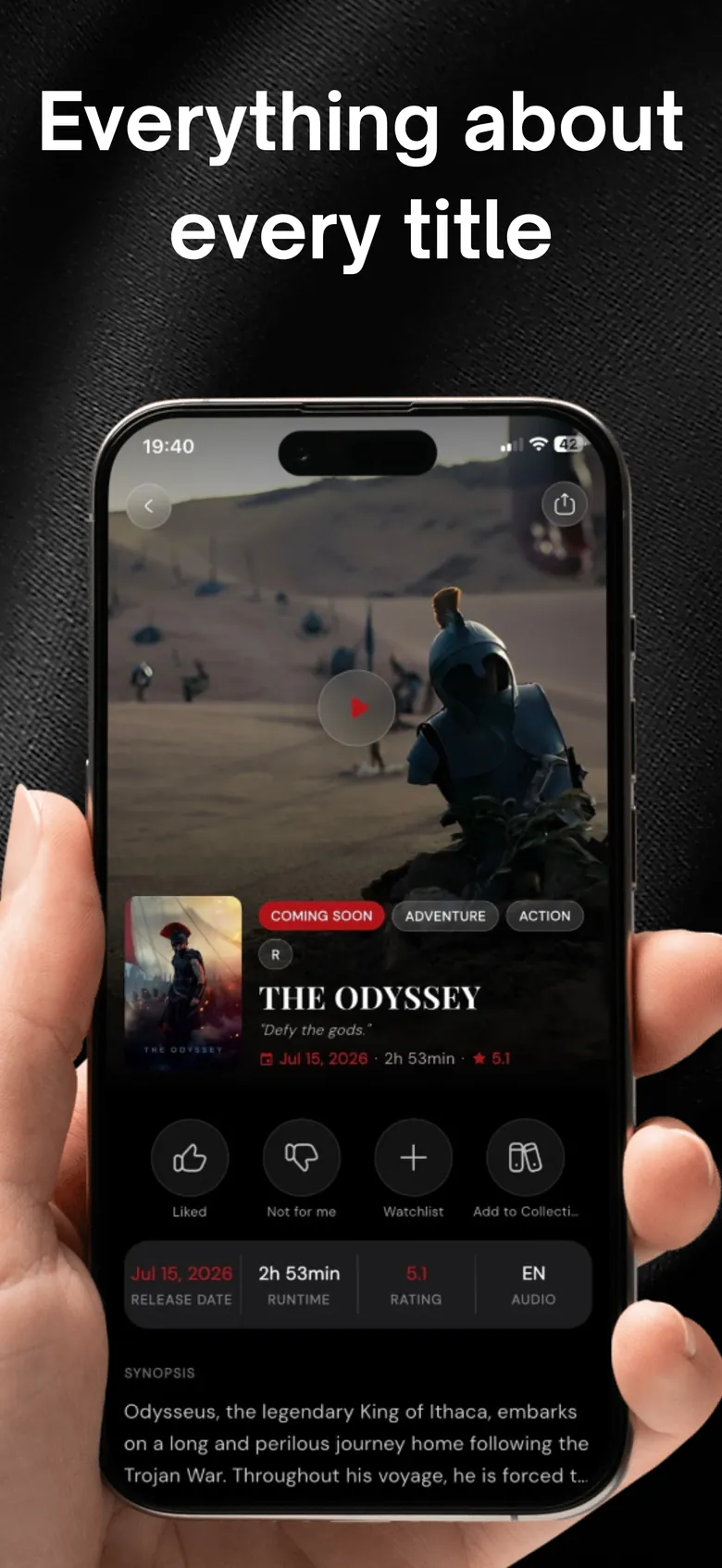
From one frame to a watchlist.
Open Search by Scene in Search, then choose a photo or take one with your camera. Cine AI looks at what’s in the frame — the setting, the mood, the look — and suggests movies and series that match.
- Upload or take a photo of any movie or TV scene
- Matching and similar titles — movies and series
- Save, share or check where it streams in one tap
Every suggestion opens the full picture.
Tap a result for the trailer, runtime, ratings and where it’s streaming. Add it to your watchlist, or mark it as watched if you already know it — your picks get smarter either way. How the streaming guide works →
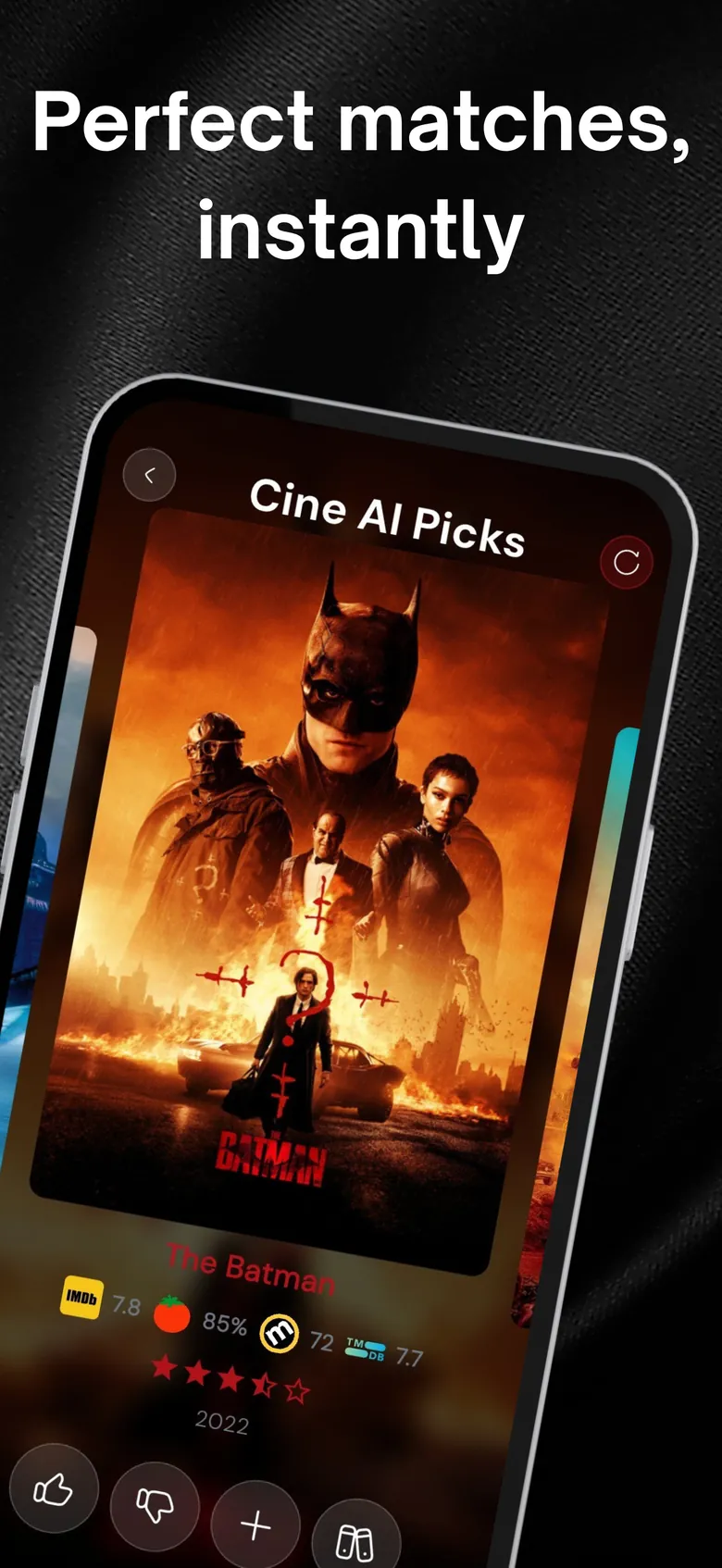
By name, by filters — or let AI decide.
Search sits next to Quick Search (“What to Watch?” — AI picks from your taste), Detailed Search (genre, mood and year) and plain search by title. Pick by mood →
Find a movie from a photo in three steps.
Open Search by Scene
You’ll find it in Search, next to Quick Search and Detailed Search.
Add a photo
Pick a screenshot or still from your library, or take a photo with your camera.
Get suggestions
Cine AI suggests matching and similar movies and series to open, save or share.
Questions, answered
Can I find a movie from a screenshot?
Yes. Upload a screenshot or photo of a scene and Cine AI analyzes it and suggests movies and series it could be from, plus similar titles.
Does it work for TV series too?
Yes — suggestions include both movies and series.
Will it always find the exact title?
Not always. Results are AI suggestions based on what’s visible in the frame, so a clear, well-lit scene works best. You’ll also get similar titles worth a look.
Is scene search free?
Search is part of the free app. Premium adds unlimited searches and AI recommendations and removes ads.
More from Cine AI
Stop scrolling. Start watching.
Swipe a few titles tonight and let Cine AI find the next one you’ll actually finish.
Free to download · Optional Premium · Cancel anytime in your Apple ID settings